Your home WiFi protects your family — starting today.
One small adjustment to your router — and protection runs on all devices. We make the technology behind it so understandable that you can set it up without any technical knowledge.
- Pornography automatically filtered — SafeSearch active on all home network devices
- Ads and tracking blocked — for all devices in WiFi simultaneously
- One-time setup at the router — no extra device, no technical knowledge needed
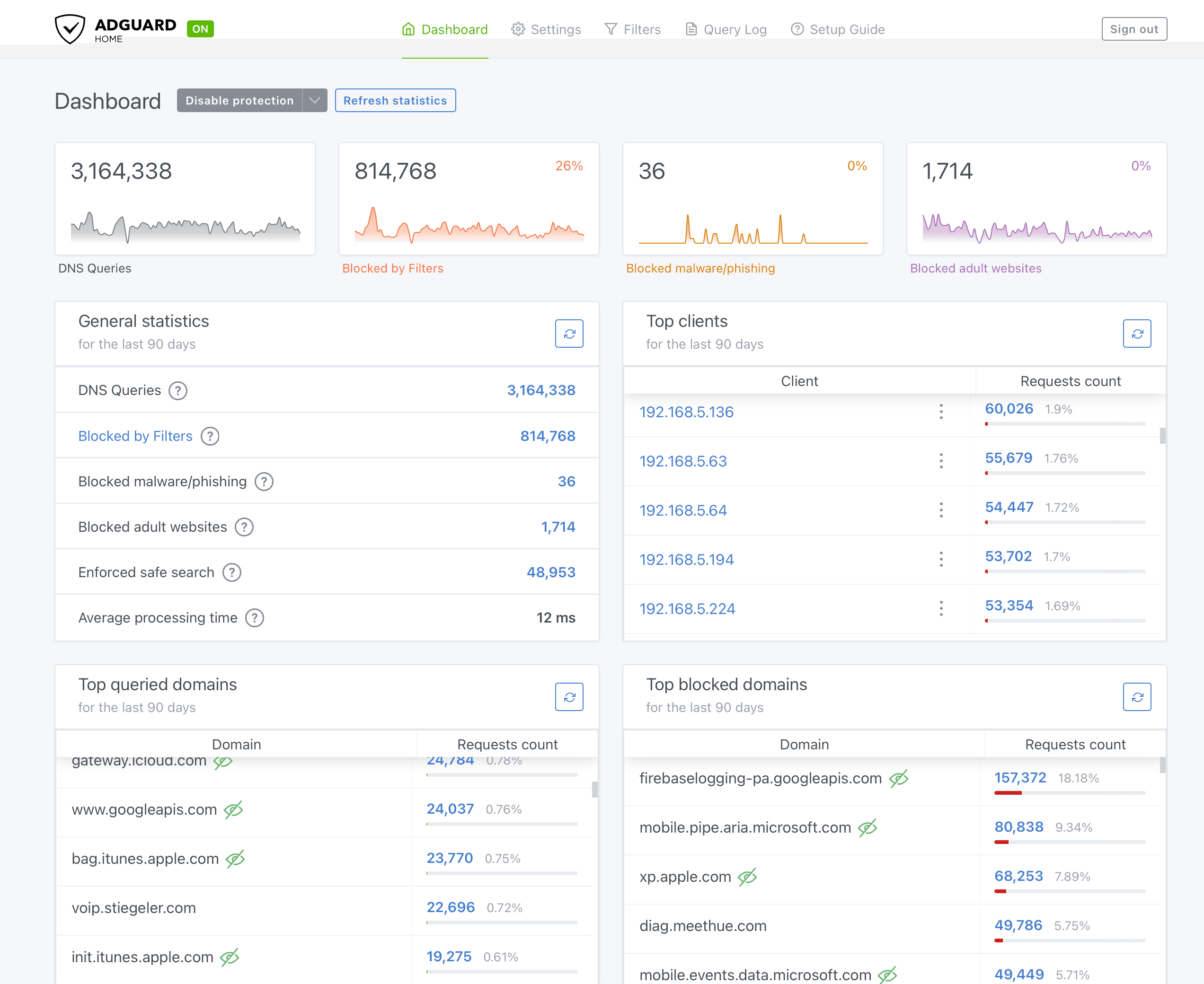
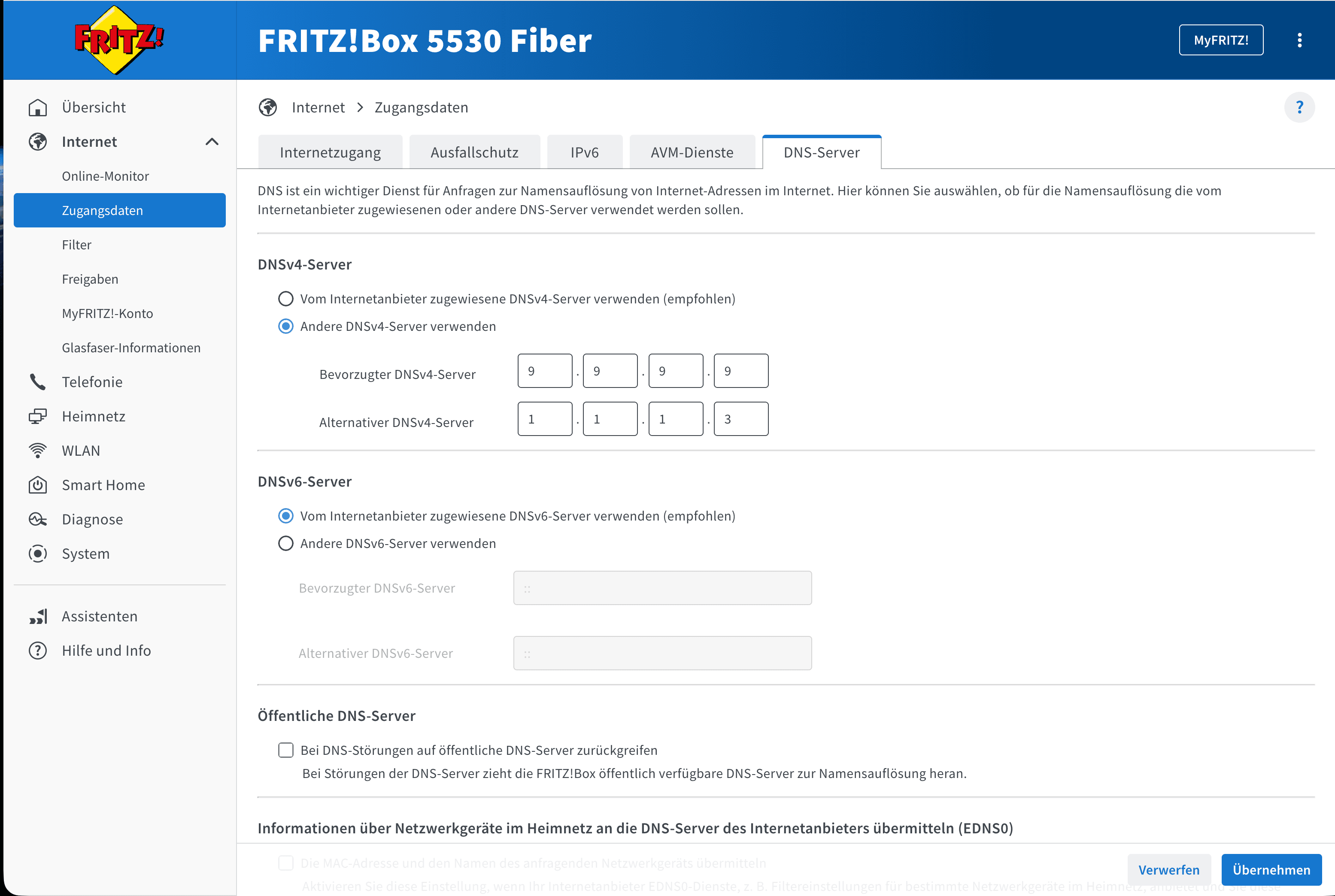
The internet has a phonebook - you can choose who runs it.
When your child opens a website, your router first asks a DNS server: what address does this site have? It works a lot like a phonebook for internet addresses. Only then does the page load.
Your internet provider gives you their own phonebook by default. But it doesn't filter anything — ads, tracking, dangerous sites, and adult content all get through unhindered.
With a different DNS server, the following happens — automatically, and for all devices at the same time:
- ✓Ads and trackers are blocked before they even load
- ✓Dangerous sites (phishing, malware) are blocked
- ✓Content unsuitable for children never gets through
- ✓Works for laptops, phones, tablets, smart TVs - all at once
Vodafone EasyBox & O2 Box: different paths to the goal
Many Vodafone EasyBox models (802/803/804) allow a direct DNS change in the router - according to community reports, not officially confirmed by Vodafone (details in the Vodafone tab below). The O2 box locks the DNS setting entirely, as far as we currently know - if you have an O2 box, there are alternatives (per-device, or your own mini PC that takes over DNS distribution).
Tip: How to find out which router you have
Option 1 — Sticker: Look at the back or bottom of your router. The model name is usually printed directly there.
Option 2 — Router interface: Open 192.168.1.1 or 192.168.178.1 in your browser — the model name appears at the top of the page.
Option 3 — Contract: In your provider's customer portal under "My Devices" or "My Connection" you will find the current router model.
What Internet Shield protects - and where you need more
Internet Shield can
- Block known adult and violent domains
- Stop phishing and malware sites
- Filter ads and trackers network-wide
- Enforce YouTube Restricted Mode + Google SafeSearch (AdGuard)
- Block entire platforms if desired
Internet Shield cannot
- Protect devices outside your home network (mobile data needs separate device protection)
- Control feed algorithms on allowed platforms
- Filter chat content within allowed apps
- Detect brand-new, unknown domains
- Replace conversations and media literacy
DNS protection is a smart first layer - not complete protection. Technology, family rules, and conversations work together. Sources & context
Important for families with smartphones
Internet Shield protects your home in your WiFi network. If your child uses mobile data or someone else's WiFi, you also need device protection directly on the smartphone.
Set up device protection as next stepWhich protection fits your family?
How old are your children?
“I'm not a tech person. But setting it up on the router took less than an hour. Since then it just runs — I don't have to check every evening what my son is watching.”
— Markus T., father of two boys (9 and 12)
“NUNIVIA doesn't tell me what I'm doing wrong. It shows me what I can do. That's a different thing entirely.”
— Andreas F., father (daughter 13)
Common questions before you buy
Your family shield is waiting.
All step-by-step guides, protection profiles, and the function test — unlock once.
one-time · no subscription · instant access
- ✓Router setup for Fritz!Box, Speedport, Vodafone EasyBox — plus a solution for O2
- ✓Set up iPhone & Android directly (without router)
- ✓Protection server comparison: Quad9 vs. AdGuard Family
- ✓3 protection profiles: Kids, Teens, Family — with recommendations
- ✓Function test: you see immediately if everything works
- ✓Bonus: rollback guide if something goes wrong
Prefer to start free — Checklist
Secure purchase via Stripe · Privacy Policy · Legal Notice